

You no longer need a USPS Web Tools ID. USPS retired its Web Tools platform on January 25, 2026, and the old registration page now shows only a retirement notice. SureDone no longer uses a Web Tools ID: USPS shipping labels are created through Stamps.com instead.
If you followed an earlier version of this guide, you don't need to register with USPS or call USPS to activate production access. A Web Tools ID you entered before is not used and can be ignored.
Connecting USPS
- If you don't have one yet, create a Stamps.com account. See How to: Set Up Stamps.com.
- In SureDone, go to Settings > Shipping.
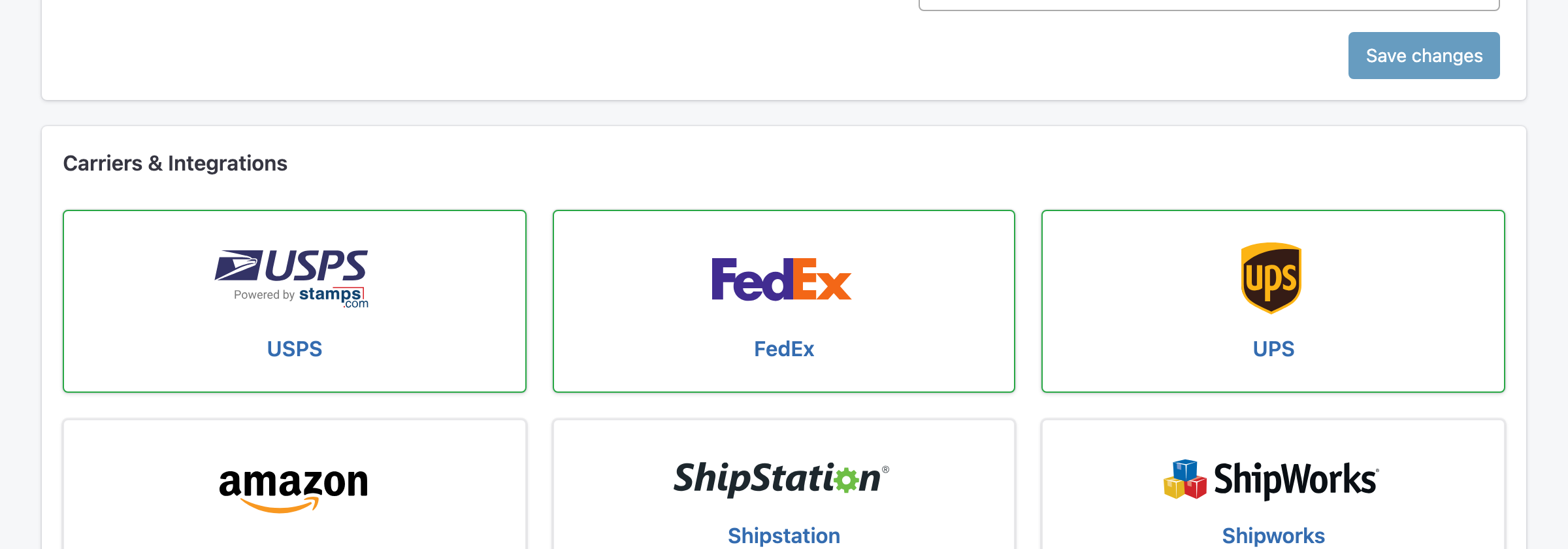
- Under Carriers & Integrations, click the USPS card, labeled "Powered by stamps.com".
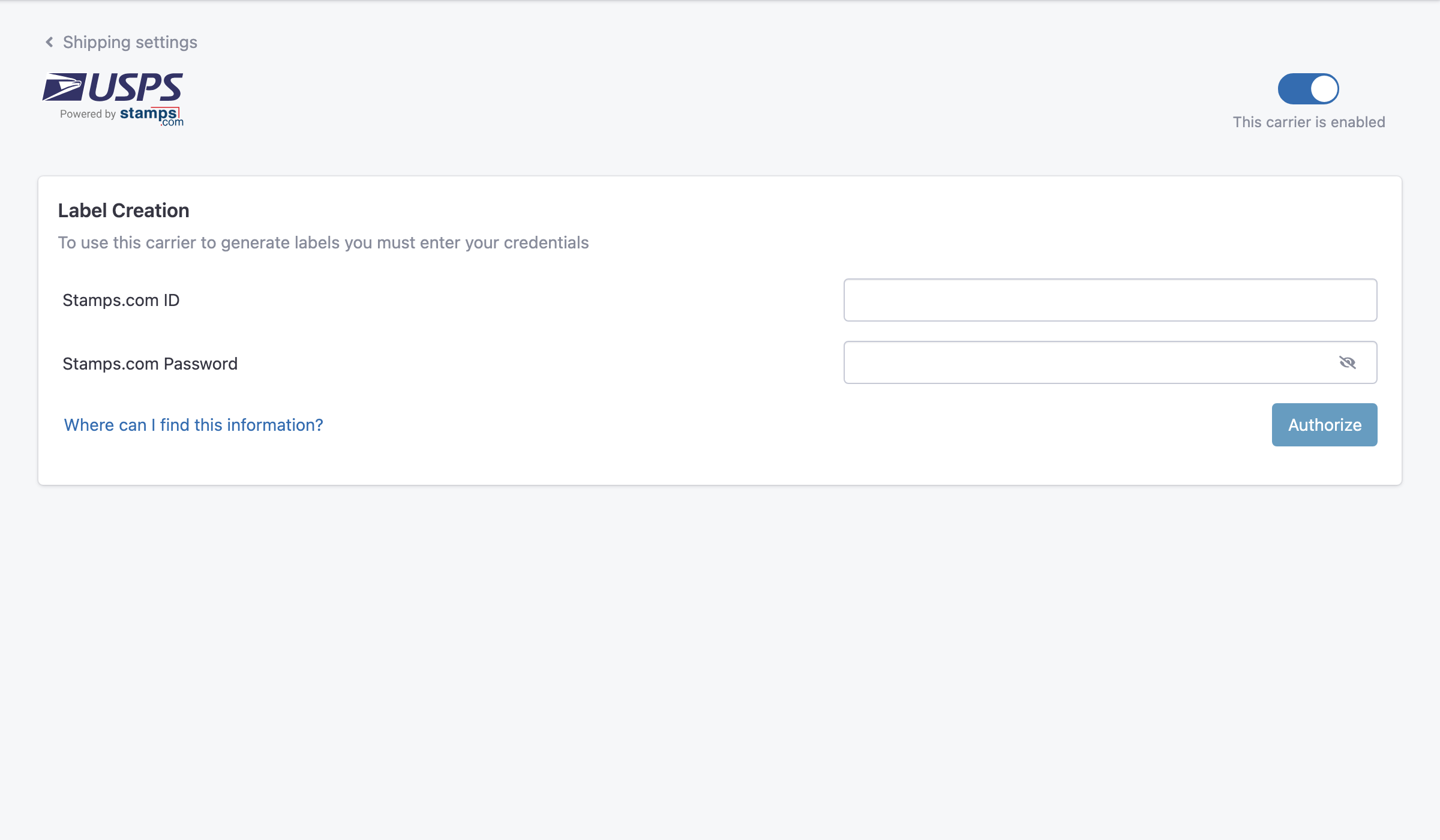
- Make sure the switch at the top right says This carrier is enabled.
- Under Label Creation, enter your Stamps.com ID and Stamps.com Password, then click Authorize.
Postage for USPS labels is paid from your Stamps.com account.