

This guide describes a legacy feature available in SureDone v2 accounts only.
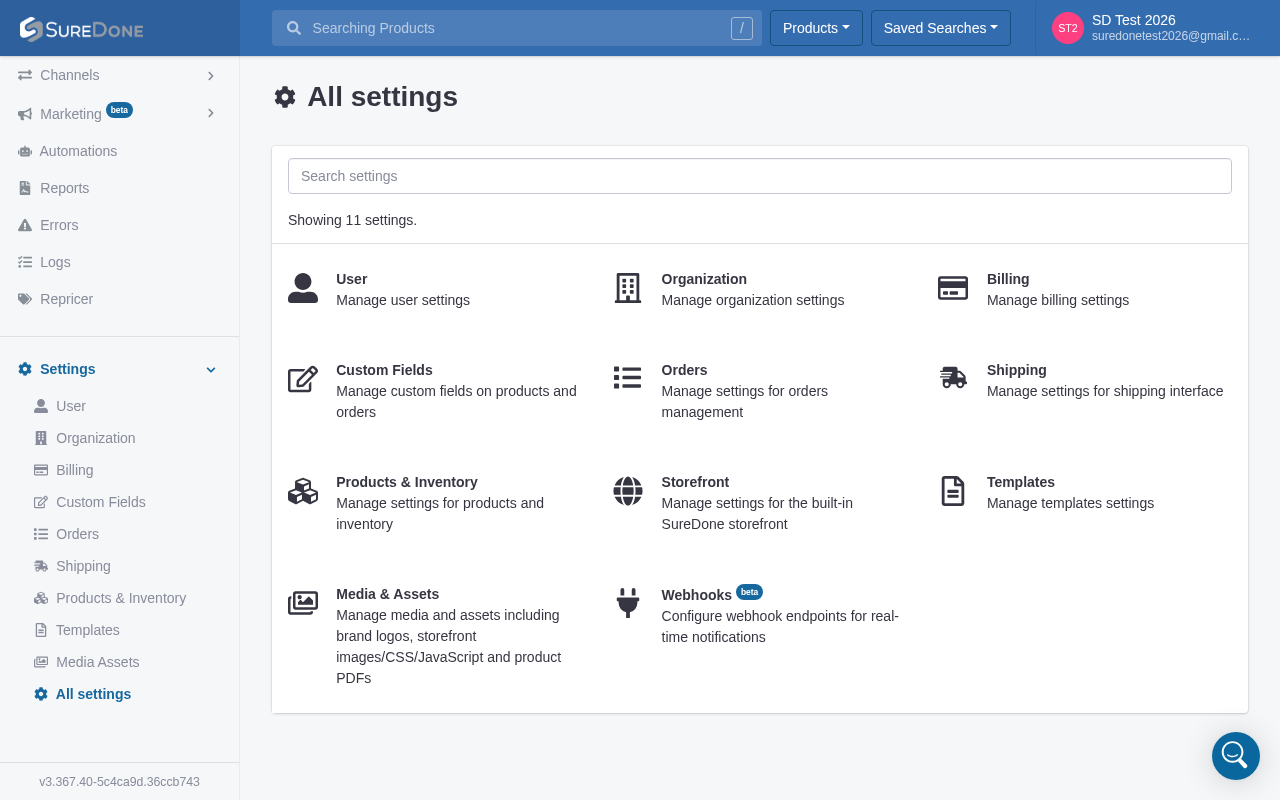
The Product Permissions toggle and the associated Editor Restriction section (previously found under Settings → General and the Profile tab respectively) are not available in current v3 accounts. If you are on a v3 account, this feature does not apply to your setup.
If you are still on a v2 account and need to configure Product Permissions, the steps below remain accurate for that environment.
v2 accounts only — how it worked:
- Go to Settings → General.
- Locate the Product Permissions toggle and switch it On.
- Navigate to the Profile tab for each user. A new Editor Restriction section will appear under User Permissions.
- In that section, select a custom field (for example, Brand, Office Location, or Department) whose values will control which products each user can edit.
- Enter the appropriate value for each user (for example,
Adidasfor user2). That user will then only be able to edit products where that field matches their assigned value.
Note: The restriction field is case-sensitive. If a user is restricted to
Adidas, items stored asadidaswill still be locked for that user. Make sure values are entered consistently across all products.
If you need help determining whether your account is on v2 or v3, or if you have questions about user-level access controls available in v3, please log a support ticket and we will be happy to help.