

You can manage your billing credit card directly in the SureDone Application. Navigate to Settings → Billing and click the Payment tab. From there you can view your saved cards or click + Add new card to add a new credit card.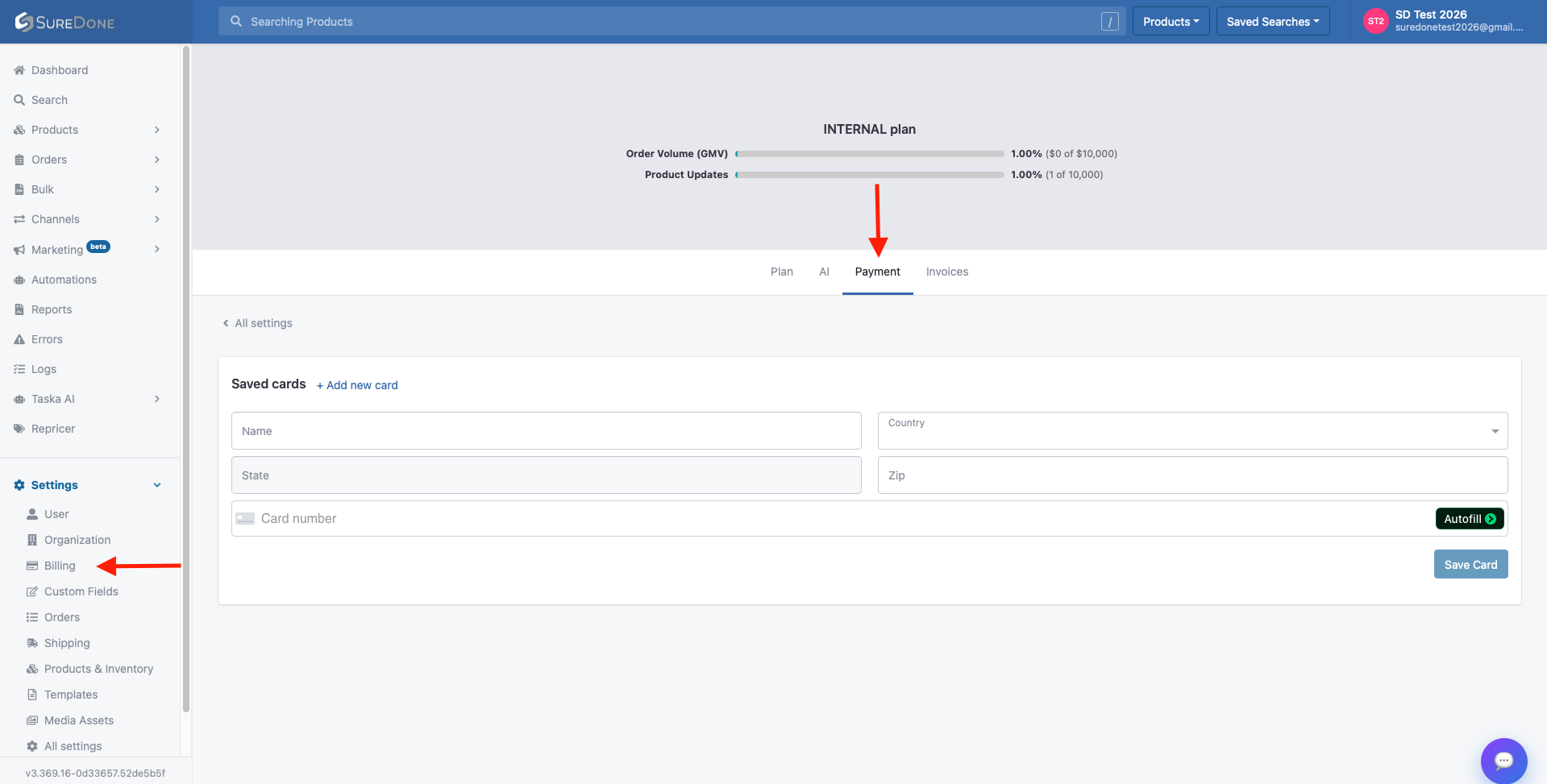
If you need additional assistance with billing, you can open a support ticket through our portal or contact us via e-mail at support@suredone.com.
Never send your credit card information in a support ticket or via electronic mail.