

Magento requires every product to belong to an attribute set. SureDone shows this error on the Magento channel when a product has no attribute set and there is no default to fall back on:
This applies to the Magento channel. Magento 2 doesn't show this error.
Setting a default for all products
Go to Channels > Magento, choose an Attribute Set in the settings and save. Products without their own attribute set then use this one.
Setting it on one product
- Open the product and go to its Magento section.
- Choose an Attribute Set from the list.
- Click Update to send the product to Magento again.
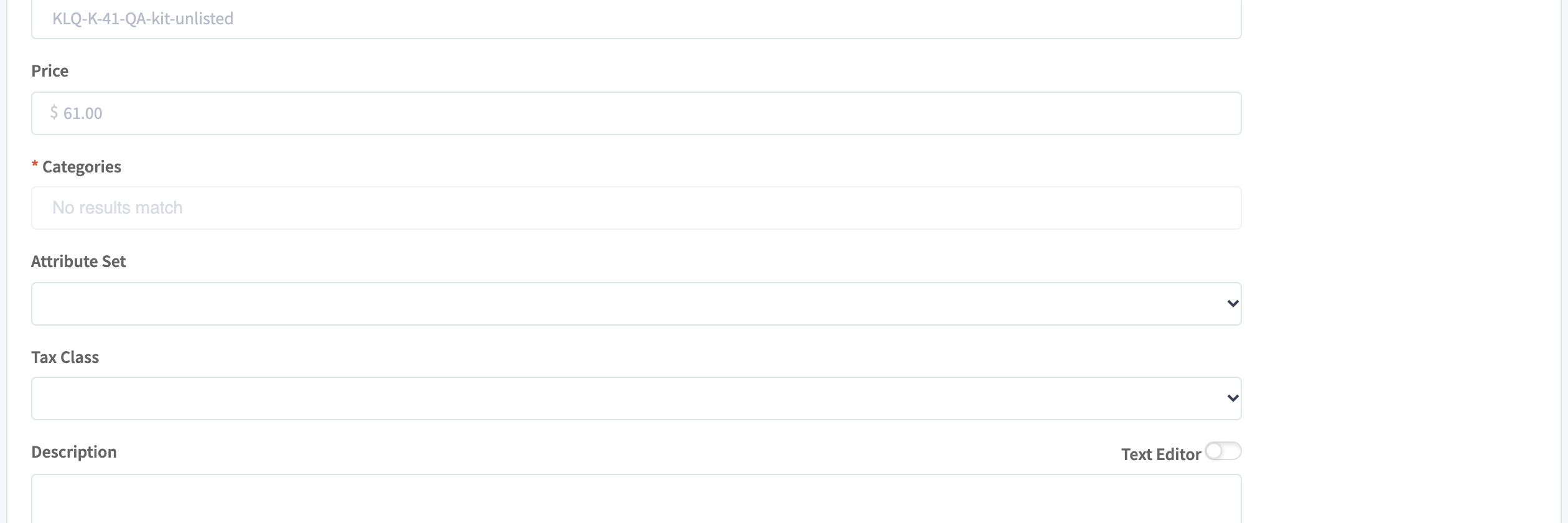
The list shows the attribute sets from your Magento store. If it's empty or a set is missing, click Refresh under Attribute Set in the Magento settings.
Setting it on many products
In a bulk upload, use the column magentoattributeset with the attribute set's ID:
To find the IDs, click Download Attribute Sets in the Magento settings. This downloads a file listing each attribute set's name and ID. For a second Magento store, use magento2attributeset.